配置远程开发环境
INFO
本文档操作系统 Ubuntu 24.04 64位
远程登录
bash
# 本地创建 SSH Key
ssh-keygen -t ed25519 -C "<email>"

cat ~/.ssh/id_rsa.pub

# 配置远程免密码登录
ssh-copy-id user@ipgit 环境配置
bash
cd ~/.ssh
ssh-keygen -t rsa -b 4096 -f github.com -C "email"
vim configconfig 添加如下内容
bash
Host github.com
    Hostname github.com
    User git
    PreferredAuthentications publickey
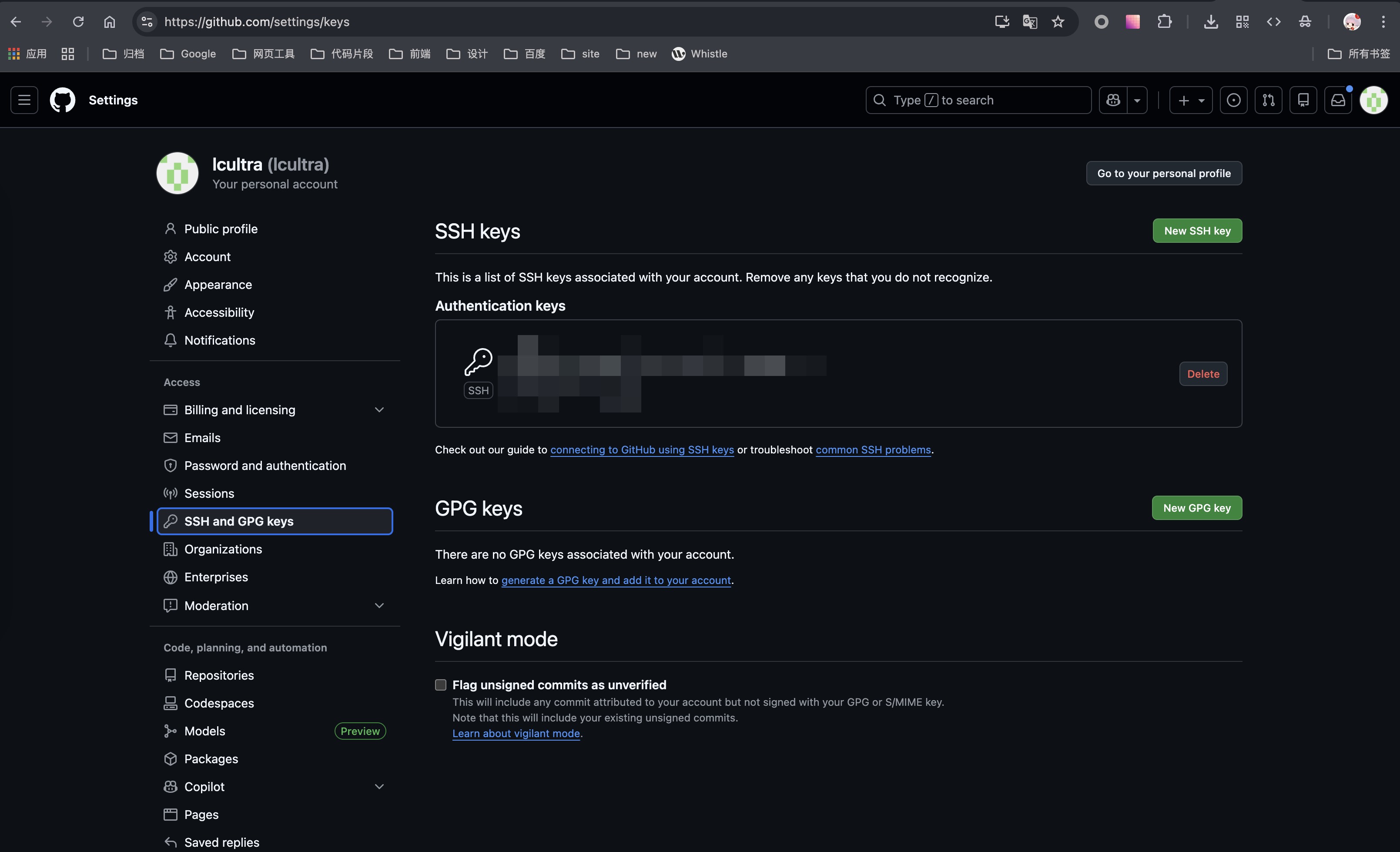
IdentityFile ~/.ssh/github.com- github配置ssh公钥
配置git
网络代理
clash-for-linux-install
配置终端环境
安装zsh
bash
# 更新系统包
apt-get update
apt-get install zsh -y
# 切换默认bash到zsh
chsh -s `which zsh`安装oh-my-zsh
官方源太慢,这里我用清华镜像源
bash
# 官方源
# sh -c "$(curl -fsSL https://raw.githubusercontent.com/ohmyzsh/ohmyzsh/master/tools/install.sh)"

# 清华源
git clone https://mirrors.tuna.tsinghua.edu.cn/git/ohmyzsh.git
cd ohmyzsh/tools
REMOTE=https://mirrors.tuna.tsinghua.edu.cn/git/ohmyzsh.git sh install.shzsh配置
bash
# 查询出网地址
alias ip="curl cip.cc"配置node环境
安装fnm
bash
# 安装依赖
apt install unzip
# 安装fnm
curl -fsSL https://fnm.vercel.app/install | bash
# 升级
curl -fsSL https://fnm.vercel.app/install | bash -s -- --skip-shell

# 设定环境变量
export FNM_NODE_DIST_MIRROR=https://mirrors.tuna.tsinghua.edu.cn/nodejs-release/fnm 使用
bash
# 显示远程可用版本
fnm ls-remote
# 显示本地已安装版本
fnm ls
# 安装版本
fnm install <version>
# 切换版本
fnm use <version>
# 删除版本
fnm uninstall <version>
# 显示当前版本
fnm current
# 设置默认版本
fnm default <version>

# 为当前目录创建生成 .node-version 文件:
node --version > .node-version